Opening Twitter isn’t the problem, as you might have a reason: research, conversations, decompression after work, etc. The problem is forgetting you’re mindlessly scrolling.
Most productivity tools miss this. For example, StayFocusd gives you a daily time budget. Scroll mindlessly for 30 mins, talk with friends for 30 mins, read a thread that’s actually useful for work - all the same to the timer. You use up the budget doomscrolling, then later it cuts you off mid-conversation when you’re actually doing something productive.
Time spent isn’t the same as attention lost.
So I made two extensions with a different assumption: you need a tap on the shoulder instead of a cop. Both assume you can decide what’s healthy for you. They’re not blockers, but make visible what you’re already doing and let you choose the next step.
Scroll Depth Dimmer
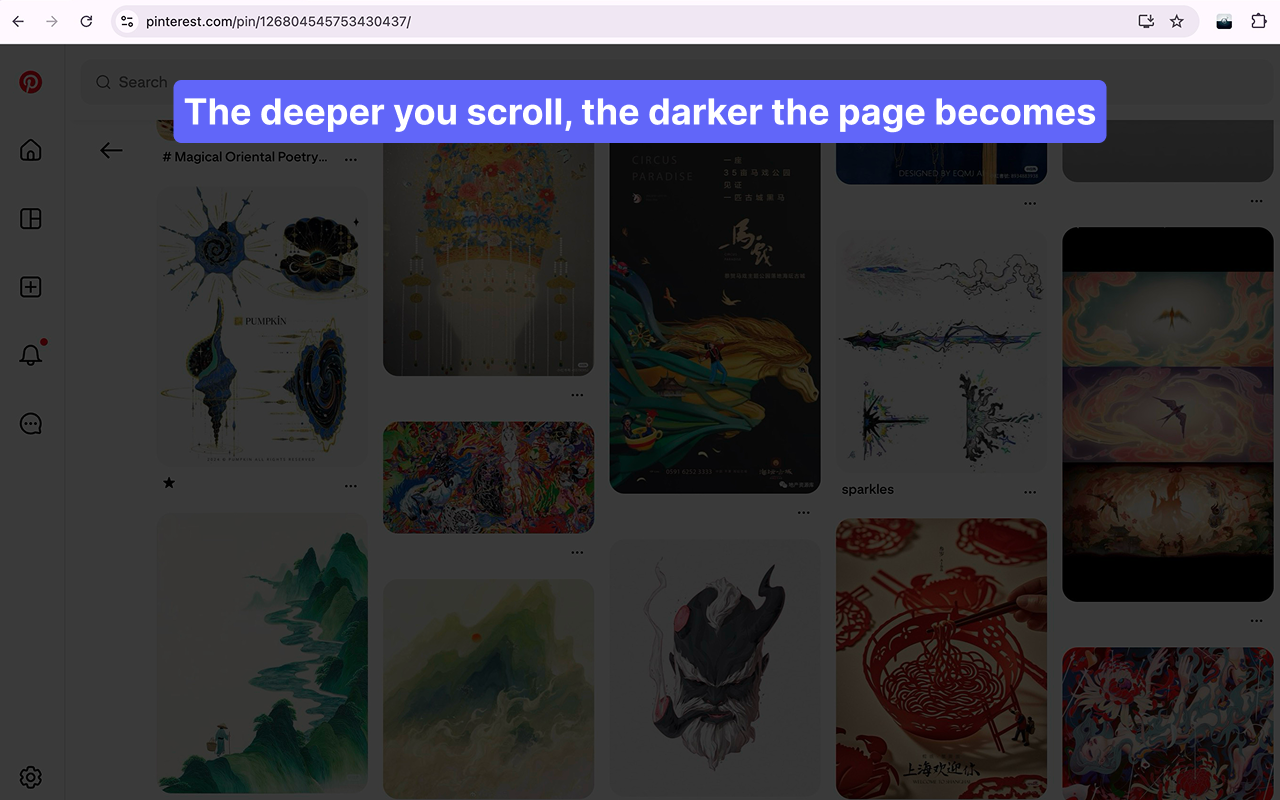
Scrolling chat windows doesn’t trigger the tracking, because talking to someone isn’t the same as scrolling.
Lights Out
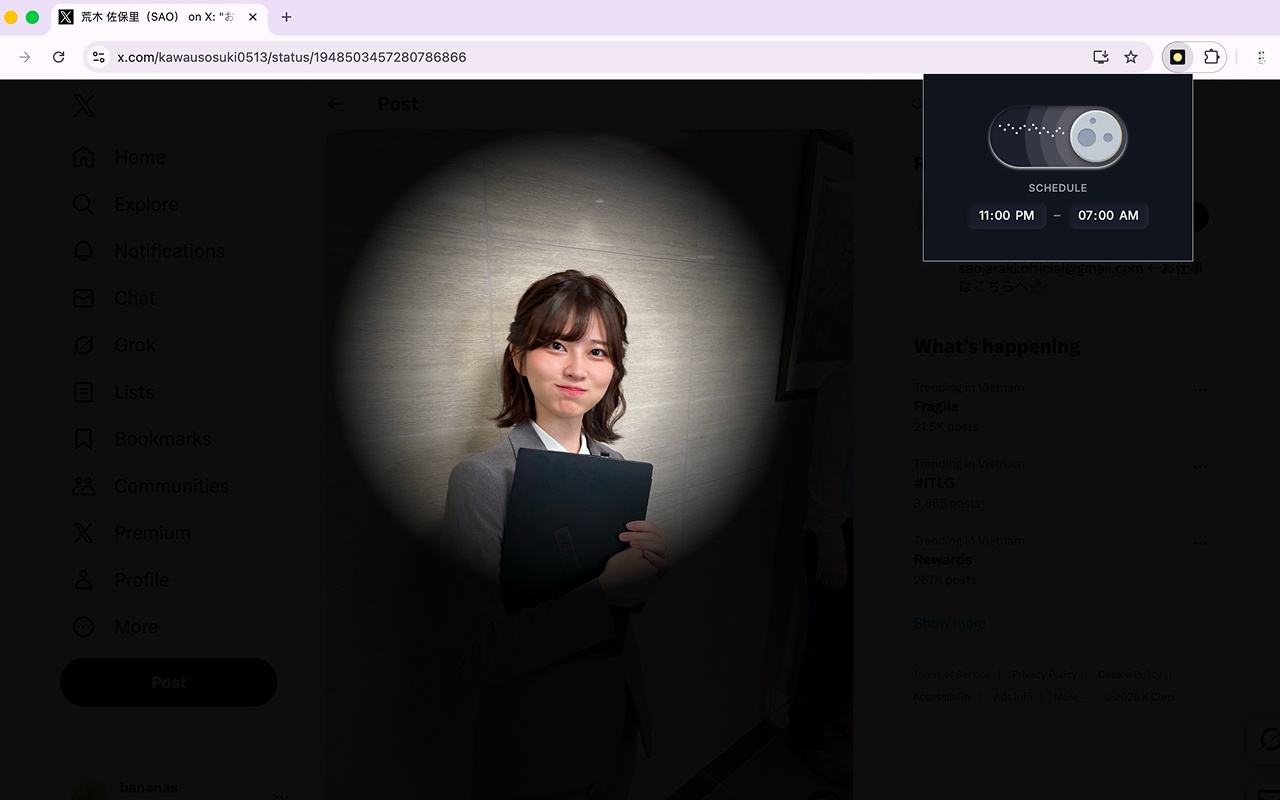
I yoinked the button from Galahhad, added a light switch sound, made the light actually look like a flashlight instead of just a white circle. The tools you use should look and feel nice!